
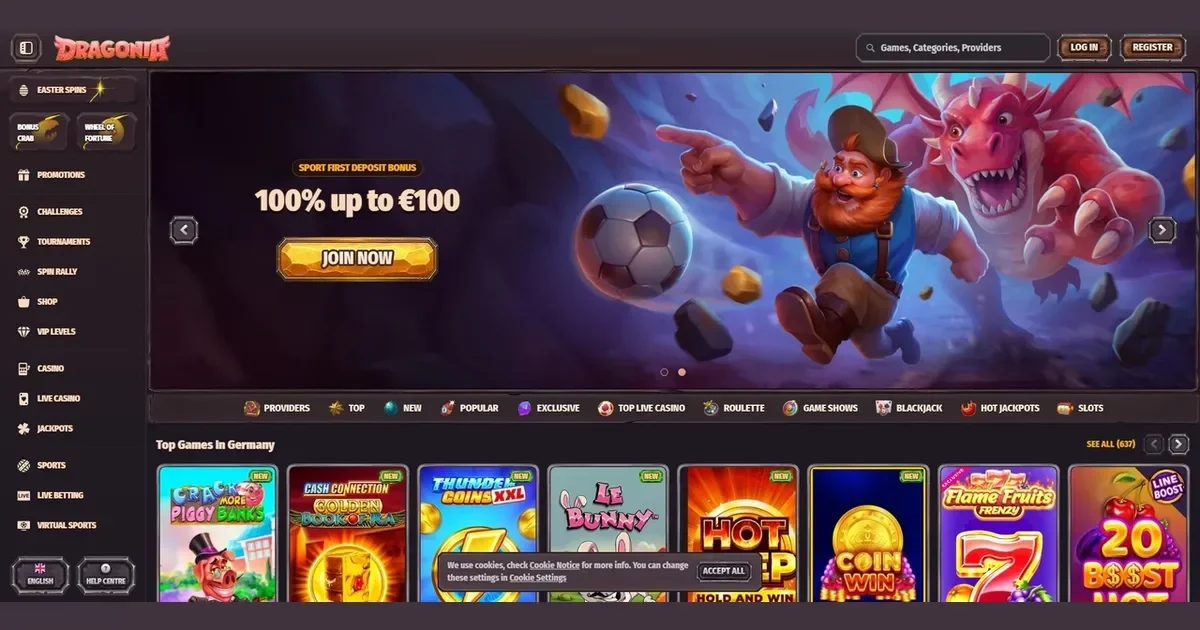
Dragonia operates the account you create there — we're an independent information portal with no access to player accounts, passwords or verification status. Only the operator can restore, unblock or verify your account. What follows is how signing in works and what to do when it doesn't.
How to sign in: step by step
- Go to the operator's website
- Click the sign-in button
- Enter your registration email address
- Enter your password
- Click to confirm
If you don't have an account yet, you'll create one through the operator's registration form on their site.
Signing in from your phone
You can sign in on a mobile browser using the exact same email and password you use on desktop. Just visit the operator's website in your phone's browser — Safari, Chrome or whichever you use — and follow the same steps as above. Your account is the same across devices, so your balance and game history carry over instantly.
Why your login won't work
- Wrong email or password — check for a typo, including spaces before or after the text. Caps Lock might be on without you noticing.
- Account not yet verified — some operators ask you to verify your identity or email address before your first login. Check your inbox for a confirmation email, or contact the operator's support if you didn't receive one.
- Too many failed attempts — after several wrong passwords in a row, the account locks temporarily. Wait 15–30 minutes and try again, or use the password reset link.
- Self-exclusion or account closure — if you've requested a cooling-off period or permanent self-exclusion, your account will be blocked during that time. This is intentional and working as it should; reach out to the operator's support if you want to discuss it.
- Regional block — the operator restricts access from certain countries. If you're travelling or using a VPN, that might be why you can't sign in.
- Browser cache or cookies — try signing in from a private or incognito window, or clear your browser's cache and cookies, then try again.
Resetting a forgotten password
On the operator's sign-in page, look for a "Forgot password?" link or button. Click it and enter the email address you used when you registered. The operator will send you a reset link to that inbox — open it and create a new password.
If the email address you registered with is no longer active, contact the operator's support team with the account details you can remember — your username, the email you think you used, or any other identifying information. They can help you regain access or update your contact details.
When your account is locked or restricted
Several things can prevent you from signing in, some temporary and some by design:
| What's happening | What it means |
|---|---|
| Verification pending | You've requested a withdrawal or hit a spending threshold, and the operator is waiting for identity documents. Sign in again once verification is complete. |
| Self-exclusion active | You or someone with access to your account requested a break or permanent closure. The operator will not let you in until that period ends — or it won't end if you chose permanent exclusion. This is working correctly. |
| Inactivity | Some operators close accounts after a long period with no activity. Contact support to ask whether your account can be reopened. |
| Account flagged for review | The operator's compliance team is investigating something — unusual activity, a dispute, or a policy breach. Support can tell you what's needed to resolve it. |
Getting help from the operator
The operator offers support through live chat and email. Have your registration email address ready, and be specific about what's happening — the exact error message you see, when the problem started, and what you've already tried.
Response times are not published, but live chat typically gets faster replies than email. If you can't reach support through the operator's own channels, or if your issue is about self-exclusion or responsible gambling, reach out to the National Gambling Helpline on 1800 858 858 (free, 24 hours a day, seven days a week) or visit BetStop, the national self-exclusion register for licensed Australian wagering providers.
Keeping your access safe
Sign in only through the operator's own website — type the address into your browser or use a bookmark you've created yourself. Never click a sign-in link in an email, a text message, or a link from another website; those can be fakes designed to steal your password.
Use a password you've never used anywhere else. If that password is compromised on another site, your account here stays safe. On a shared device — a family computer, a phone you pass around, or a public terminal — sign out properly when you're done, and never ask the browser to remember your password.
Responsible gambling and account controls
Once you're signed in, you can set deposit limits, time limits or take a break through your account settings. The operator also supports self-exclusion — a request to close your account for a set period — through the account's responsible-gambling tools.
If you're struggling with gambling, the National Gambling Helpline on 1800 858 858 offers free, confidential support 24 hours a day, seven days a week, with online chat and email counselling through Gambling Help Online. BetStop lets you self-exclude from all licensed Australian online and phone wagering providers at once for a minimum of three months, or for life. For other support, Gambling Therapy and BeGambleAware offer free resources.
This site is an independent information portal — we do not operate accounts, take deposits or process withdrawals. We cannot resolve account, login or payment issues: contact the operator's support for those. Access is limited to 18+ users only.